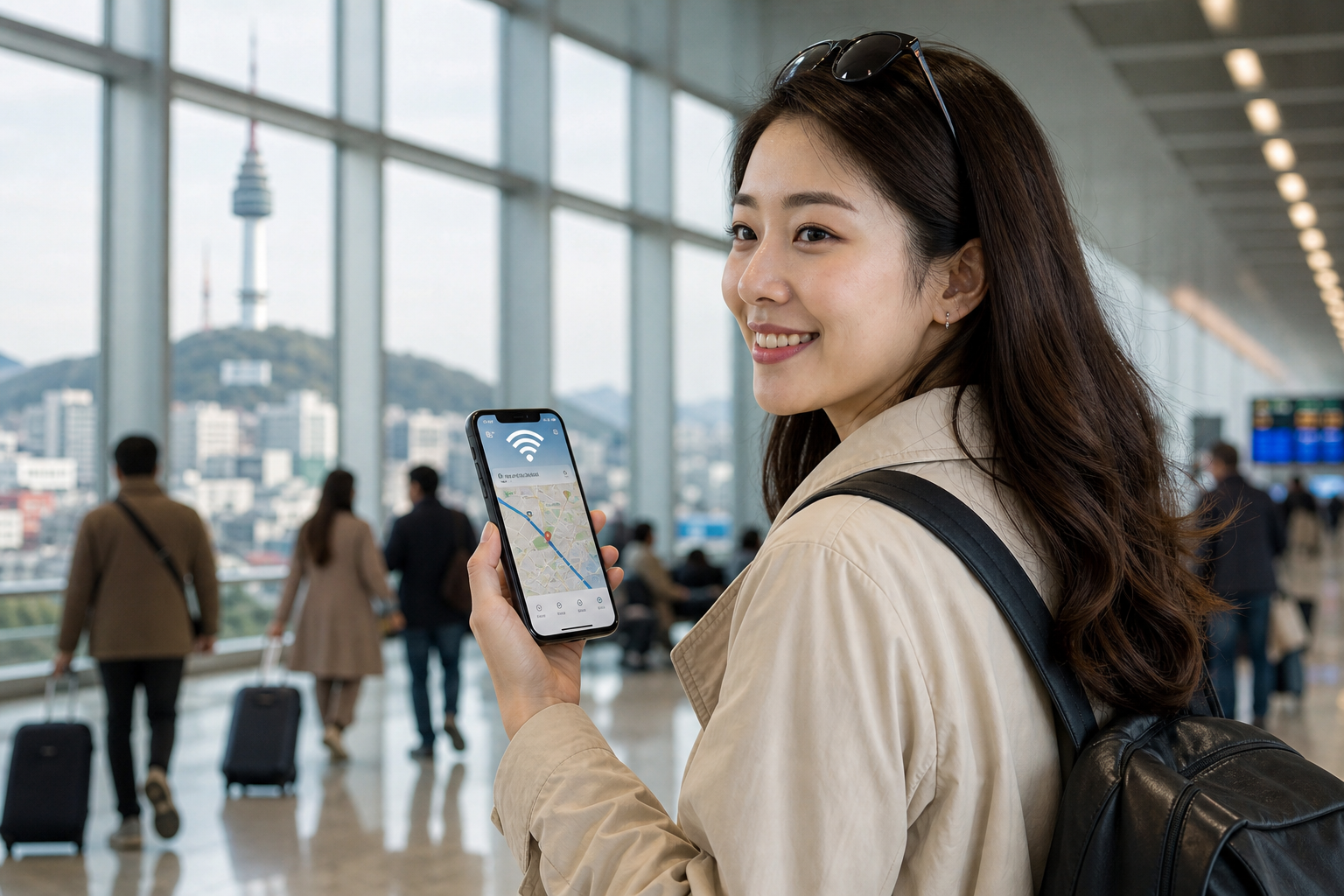
If you are traveling to Korea, mobile data is not a luxury. It is part of your basic trip setup.
You will probably need your phone almost immediately for:
- airport navigation
- maps
- translation
- messages
- transport apps
- booking confirmations
That is why many first-time travelers ask the same question before departure: should I get an eSIM, a physical SIM card, use roaming, or rent pocket Wi‑Fi?
The good news is that the answer is usually simpler than it looks.
For most tourists:
- eSIM is the best default option if your phone supports it
- physical SIM is the best fallback if your phone does not support eSIM or you prefer a more familiar setup
- roaming is the easiest no-change option, but often not the cheapest
- pocket Wi‑Fi is usually only worth it in more specific situations
The short answer
If you want the fastest recommendation, use this rule:
- choose eSIM if your phone is unlocked, compatible, and you want the simplest pre-trip setup
- choose a physical SIM card if your phone does not support eSIM or you prefer an in-person pickup option
- choose roaming if convenience matters more to you than cost efficiency
- choose pocket Wi‑Fi only if you need to share one connection across multiple devices or travelers
For most solo travelers and couples, a modern eSIM or prepaid SIM setup is enough.
What options tourists have in Korea
Korea gives travelers several ways to stay connected.
According to VISITKOREA, major Korean airports such as Incheon, Gimpo, Gimhae, and Jeju have roaming centers operated by local network providers. Visitors can use roaming services there, purchase SIM cards, rent Wi‑Fi eggs, and even rent smartphones.
That means your main options are:
- eSIM
- physical prepaid SIM card
- carrier roaming
- pocket Wi‑Fi / Wi‑Fi egg
- public Wi‑Fi as a backup tool
The best option depends less on Korea itself and more on your phone, your comfort with setup, and how much convenience you want on arrival day.
Why eSIM is the easiest choice for many travelers
For many modern travelers, eSIM is the most efficient answer.
VISITKOREA notes that prepaid eSIM can be purchased online and received by email, then installed by scanning a QR code. That matters because it removes one of the biggest arrival-day pain points: you do not necessarily need to visit a store or airport counter to get connected.
Why eSIM works well
- online purchase before your flight
- no need to remove your physical SIM card
- no airport pickup required in many cases
- fast setup for travelers comfortable with QR-code activation
- useful when you want data ready as soon as possible
This makes eSIM especially attractive for travelers who want to land in Korea and immediately use maps, chat apps, and ride or transport tools without hunting for a counter first.
The main downside of eSIM
The biggest limitation is simple: your phone must support eSIM, and it usually needs to be unlocked.
So eSIM is often the best option, but not the universal option.
When a physical SIM card is better
A physical prepaid SIM card is still an excellent choice.
VISITKOREA says travelers can buy SIM cards at CU convenience stores in Incheon International Airport, at 7‑Eleven stores in Seoul, Busan, Jeju, and other major cities, and through the Korea SIM Card website.
That makes physical SIM a strong option when:
- your phone does not support eSIM
- you prefer a more traditional setup
- you want airport or store pickup
- you feel more comfortable swapping a card than dealing with digital activation
VISITKOREA also notes that prepaid SIM cards usually cost less than roaming services and can offer unlimited data for periods ranging from 1 to 90 days.
For many tourists, that is more than enough flexibility.
Physical SIM is often better for:
- travelers with older phones
- people who are unsure about eSIM compatibility
- visitors who want to handle setup in person
- travelers who want a familiar “insert and use” feeling
When roaming makes sense
Roaming is the least disruptive option because you keep using your phone through your home carrier.
You do not need to swap SIMs or activate a new profile if your carrier already supports Korea roaming smoothly.
That makes roaming attractive for:
- very short trips
- business travelers
- travelers using work phones
- people who strongly prefer zero setup changes
But there is a trade-off.
Roaming is often the most convenient option, not the most cost-efficient option.
So roaming makes sense when you value simplicity more than savings.
Do you need pocket Wi‑Fi?
Pocket Wi‑Fi, often called a Wi‑Fi egg, still exists as an option, and VISITKOREA notes it is available at major airports.
But for many travelers, it is no longer the best default recommendation.
Pocket Wi‑Fi can make sense if:
- several people want to share one connection
- you need to connect multiple devices consistently
- your phone situation makes eSIM or SIM inconvenient
Pocket Wi‑Fi is often less ideal if:
- you are traveling solo
- each traveler already has a compatible phone
- you do not want another device to carry, charge, and return
In many modern trips, eSIM or SIM is simply cleaner.
Do you actually need a Korean phone number?
Many travelers think they need a Korean number when what they really need is stable mobile data.
In practice, many tourists mainly rely on:
- messaging apps
- maps
- translation apps
- email confirmations
- booking platforms
- public transport and navigation apps
So before choosing a plan, ask yourself:
Do I truly need a local phone number, or do I mainly need data?
For many short trips, data is the main priority.
That means you should not automatically buy the most complex option just because it sounds more “complete.”
Public Wi‑Fi in Korea is useful, but it should not be your only plan
VISITKOREA says public Wi‑Fi is widely available in airports, subway stations, train stations, and some bus stops. It also notes that PC rooms and coffee shops are good access points.
That is helpful, but public Wi‑Fi should be treated as a backup, not your main connectivity strategy.
Why?
Because your highest-stress moments often happen between Wi‑Fi points:
- leaving the airport
- finding your accommodation
- navigating transfers
- dealing with delays
- checking instructions outdoors
That is exactly when you want your own mobile connection already working.
What to prepare before your flight to Korea
This is where many travelers make avoidable mistakes.
Before departure, check these things:
1) Is your phone unlocked?
If your phone is carrier-locked, eSIM or local SIM options may not work as expected.
2) Does your phone support eSIM?
Do not assume. Verify before purchase.
3) Do you want data active immediately on arrival?
If yes, eSIM becomes more attractive.
4) Are you comfortable scanning a QR code and following digital setup steps?
If not, physical SIM may be safer.
5) Do you need a backup plan?
Even if you plan to use eSIM, keep airport Wi‑Fi, public Wi‑Fi, or temporary roaming in mind in case activation takes longer than expected.
My recommendation for most tourists
If you want the most practical recommendation, use this order:
Best default choice: eSIM
Choose eSIM if your phone supports it and you want the most convenient pre-arrival setup.
Best fallback choice: physical SIM
Choose a physical SIM if your phone does not support eSIM or you want a more familiar, in-person setup.
Best “do nothing new” choice: roaming
Choose roaming if convenience matters more than cost and you want to avoid any setup changes.
Situational choice: pocket Wi‑Fi
Choose pocket Wi‑Fi only if you truly benefit from device sharing or group use.
This is the key business reality for travelers: the best plan is usually the one that minimizes arrival friction.
Which option is best by trip style?
Solo traveler
Best default: eSIM
You likely want quick independent setup, easy maps access, and fewer moving parts.
Couple traveling together
Best default: individual eSIMs or individual SIMs
Shared pocket Wi‑Fi only becomes attractive if both people prefer sharing one device and accept the inconvenience.
Family with children
Best default: depends on device sharing and simplicity
If parents want one connection source for multiple devices, pocket Wi‑Fi can still be reasonable. If each adult needs independent navigation, eSIM or SIM is often simpler.
Business traveler
Best default: roaming or eSIM
The answer depends on whether your priority is zero friction or better value.
Short weekend visitor
Best default: eSIM
For short stays, easy setup often matters more than trying to optimize every small cost detail.
Final takeaway
Most tourists do not need the most advanced telecom solution. They just need reliable mobile data with the least arrival-day friction.
For most Korea trips:
- eSIM is the best overall choice for compatible phones
- physical SIM is the best fallback for non-eSIM travelers
- roaming is the easiest but often pricier option
- pocket Wi‑Fi is a niche solution, not the default answer
If you choose your connectivity option before you fly, the rest of your arrival day becomes easier.
Official sources to verify before publishing
- VISITKOREA Electricity & Communications page
- VISITKOREA mobile communication / SIM / eSIM guidance
Planned internal links
- Do You Need K-ETA for Korea in 2026? Countries, Exemptions, and What Travelers Should Check
- Incheon Airport to Seoul in 2026: AREX, Airport Bus, Taxi, and Late-Night Options
- Best Transportation Apps for Korea Travel: Maps, Subway, Bus, and Taxi
- Seoul Climate Card for Tourists in 2026: Is It Better Than T-money?